|
|
Installation |
License Configuration
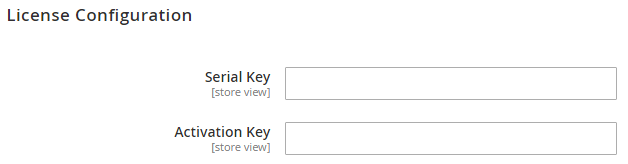
After successful installation of Store Locator extension, you are now required to configure the license key in the admin configuration section. You can set it from: Step 1: Go to, Admin Control Panel > Stores > Configuration > Magedelight > Store Locator > License Configuration. You will find two text boxes asking for Serial Key and Activation Key, which you received on email upon the purchase of extension. See screenshot below:
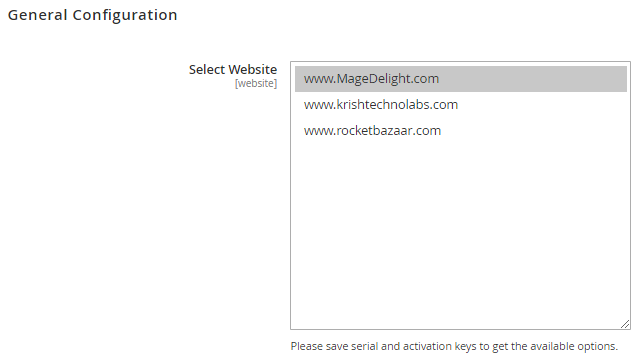
Step 2: Expand “General Configuration” tab, you will find a list of domains for which license is purchased and configured, now select the domain you are going to use, you can select multiple domains by clicking “Ctrl + Select”.
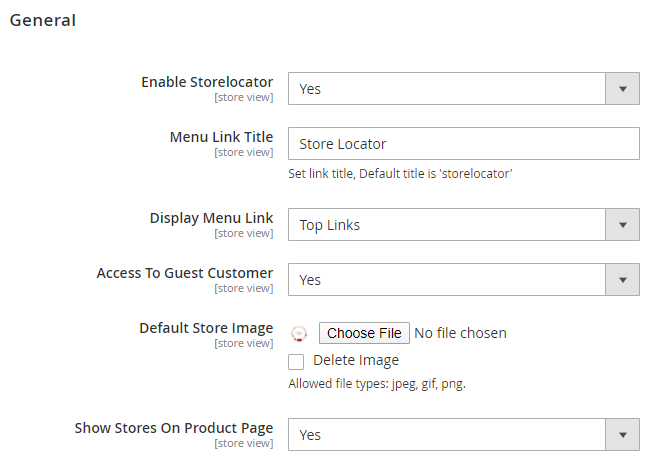
Step 3: Now, select “Yes” from “Enable Module” to enable extension and again click on “Save Config” button on the top right.
|
Backend Configuration (Admin side)
|
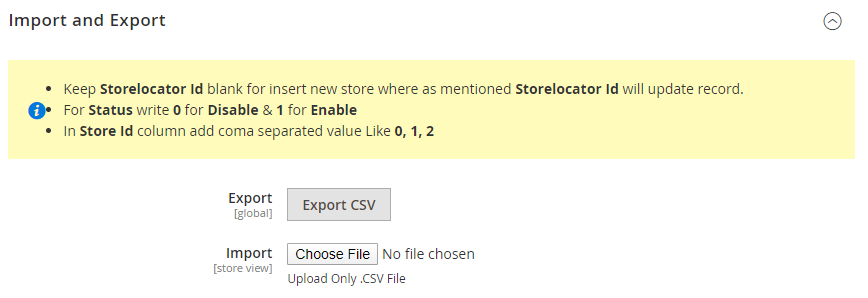
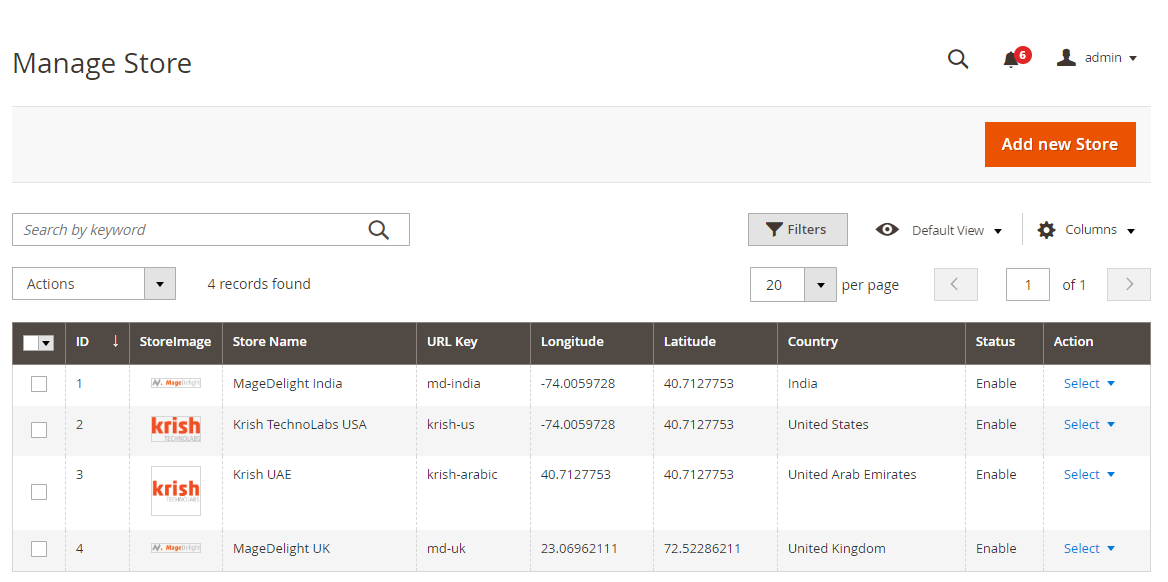
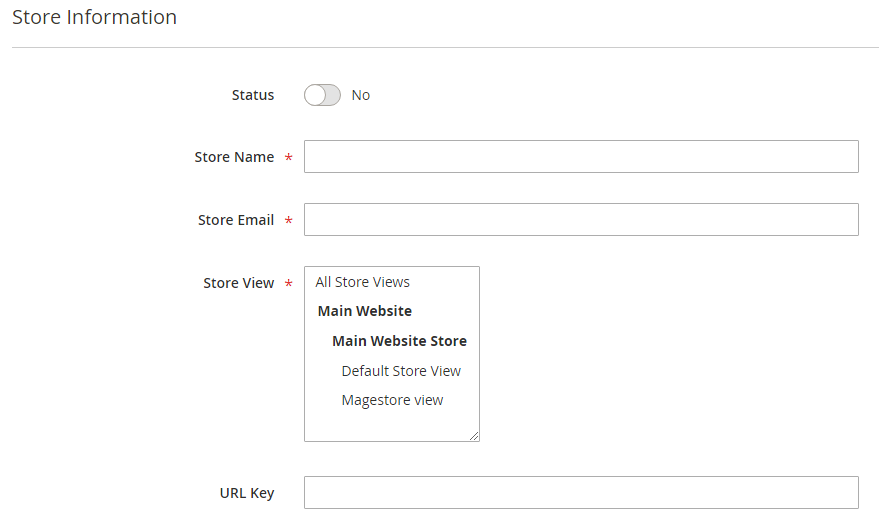
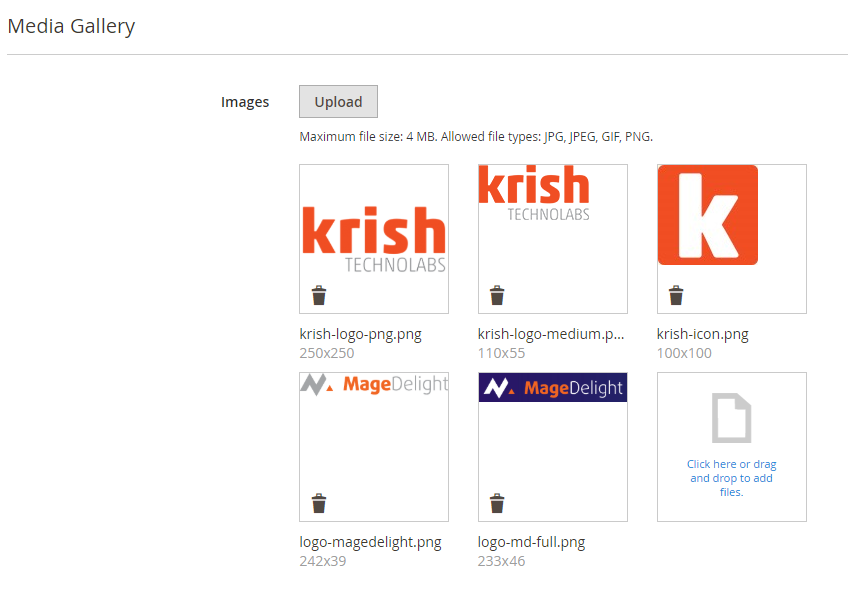
Backend FunctionalityStore Management
|
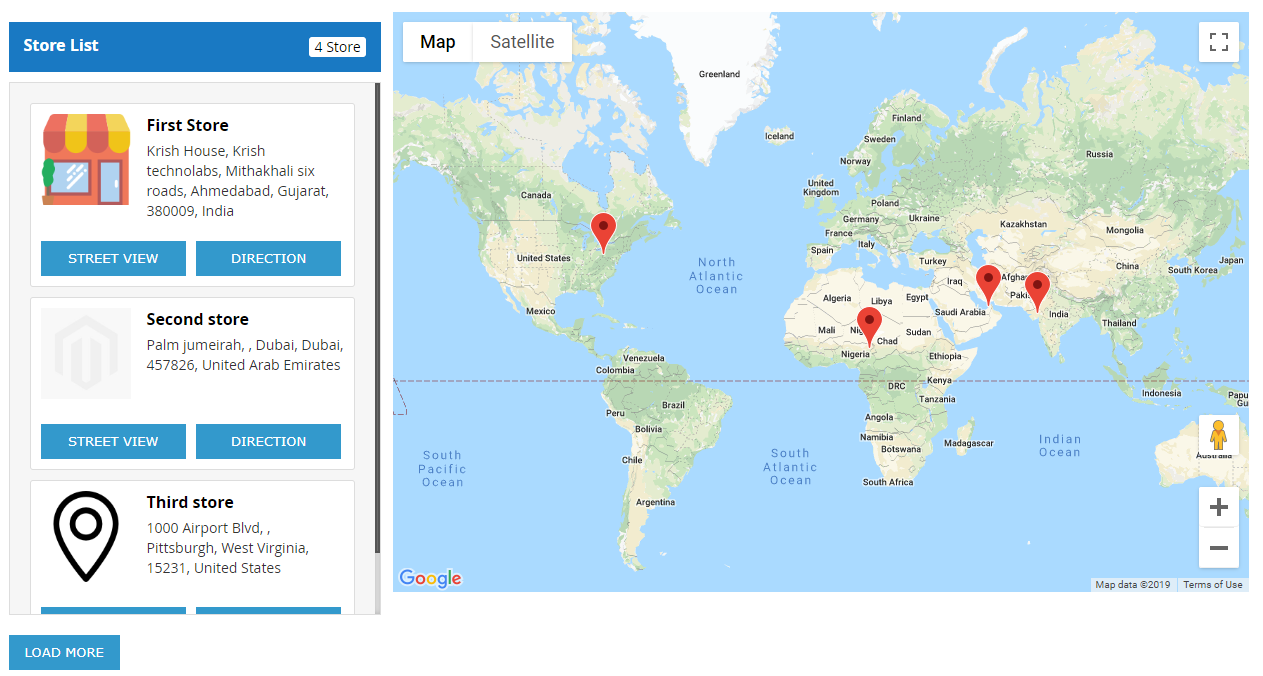
Frontend FunctionalityOnce you configured the extension and create stores, the store will be listed on store locator page. The store locator link will be displayed on top links or with top menu, based on how it configured. Store locator page will be look like,
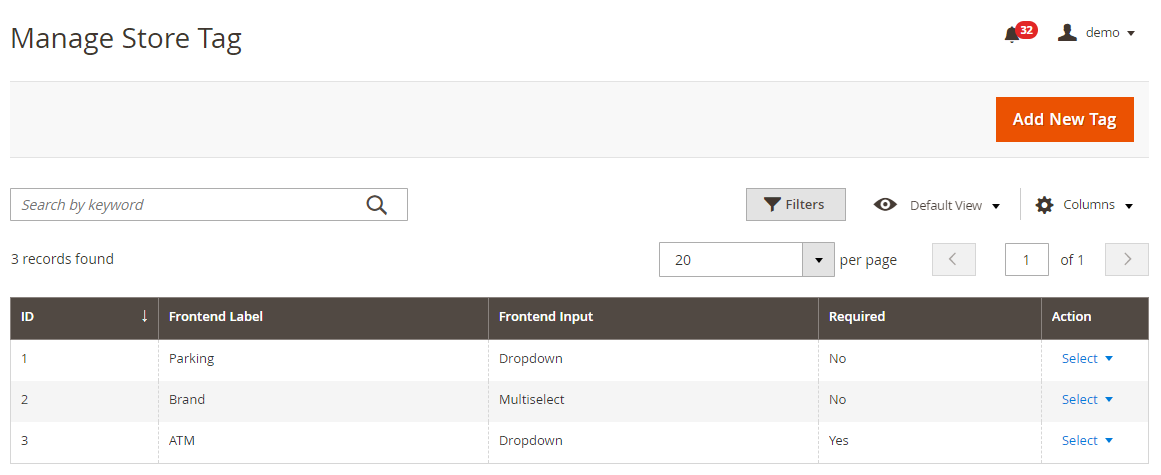
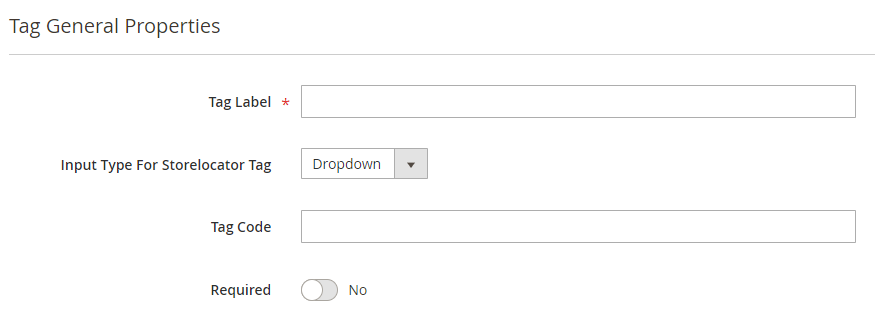
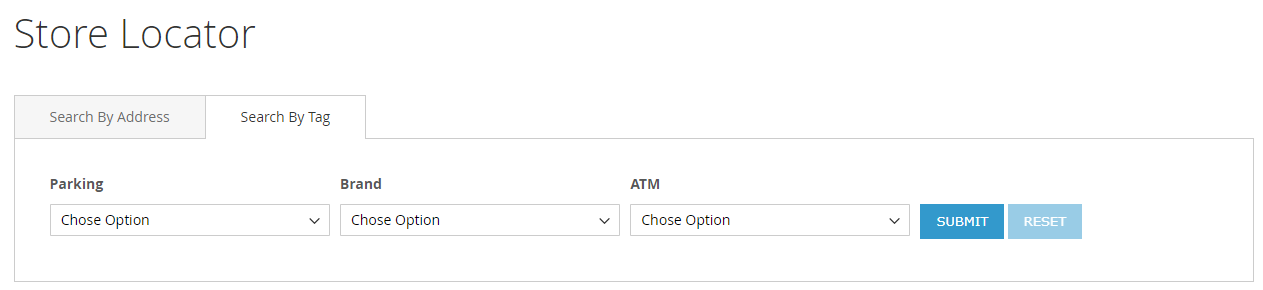
Search Store You can search nearest store with store search feature, user can use radius from to find nearest store from his current location. As shown with below location. You can search store using tags, too.
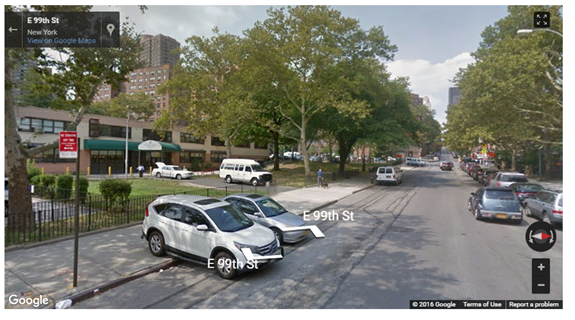
It also helps to find direction from your current location or from particular location to particular store. Refer below image, That also supports street view of store, as show with below image Street view
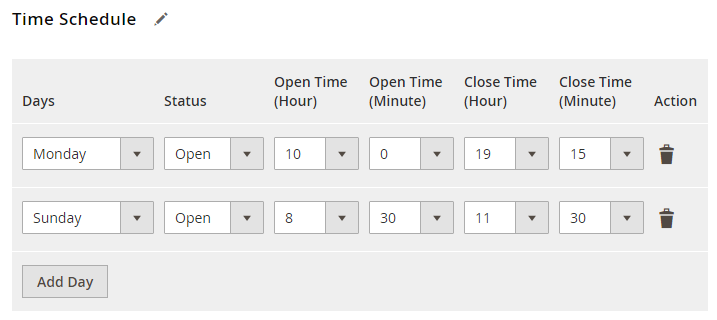
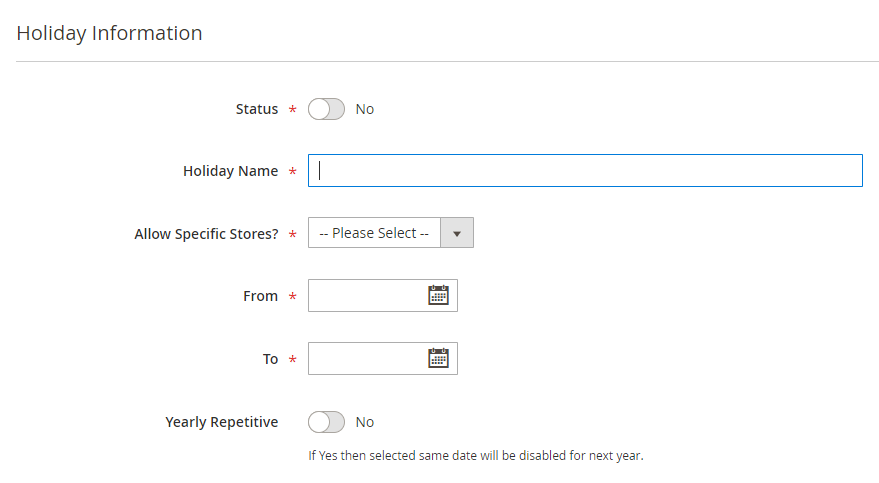
Store page Store page will contain details of particular store with store description, address. You can also have the direction finder supported by map. It also includes working days, time details and upcoming holiday list |
DemoClick here to visit product detail page. Click here to visit frontend. Click here to visit backend admin panel. |
FAQsClick here to visit FAQs. |
SupportClick here to raise a support ticket using your MageDelight account. |
Additional ServicesClick here to get the customized solution for this extension. |
Thank you for choosing MageDelight!