Frontend Functionality
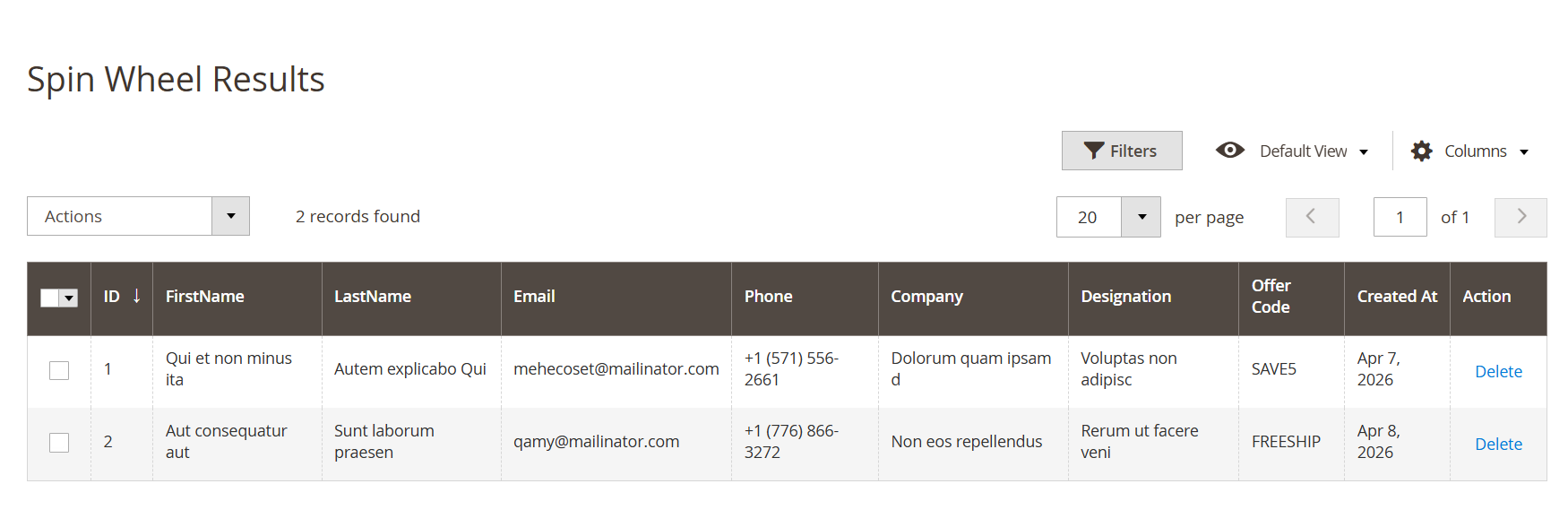
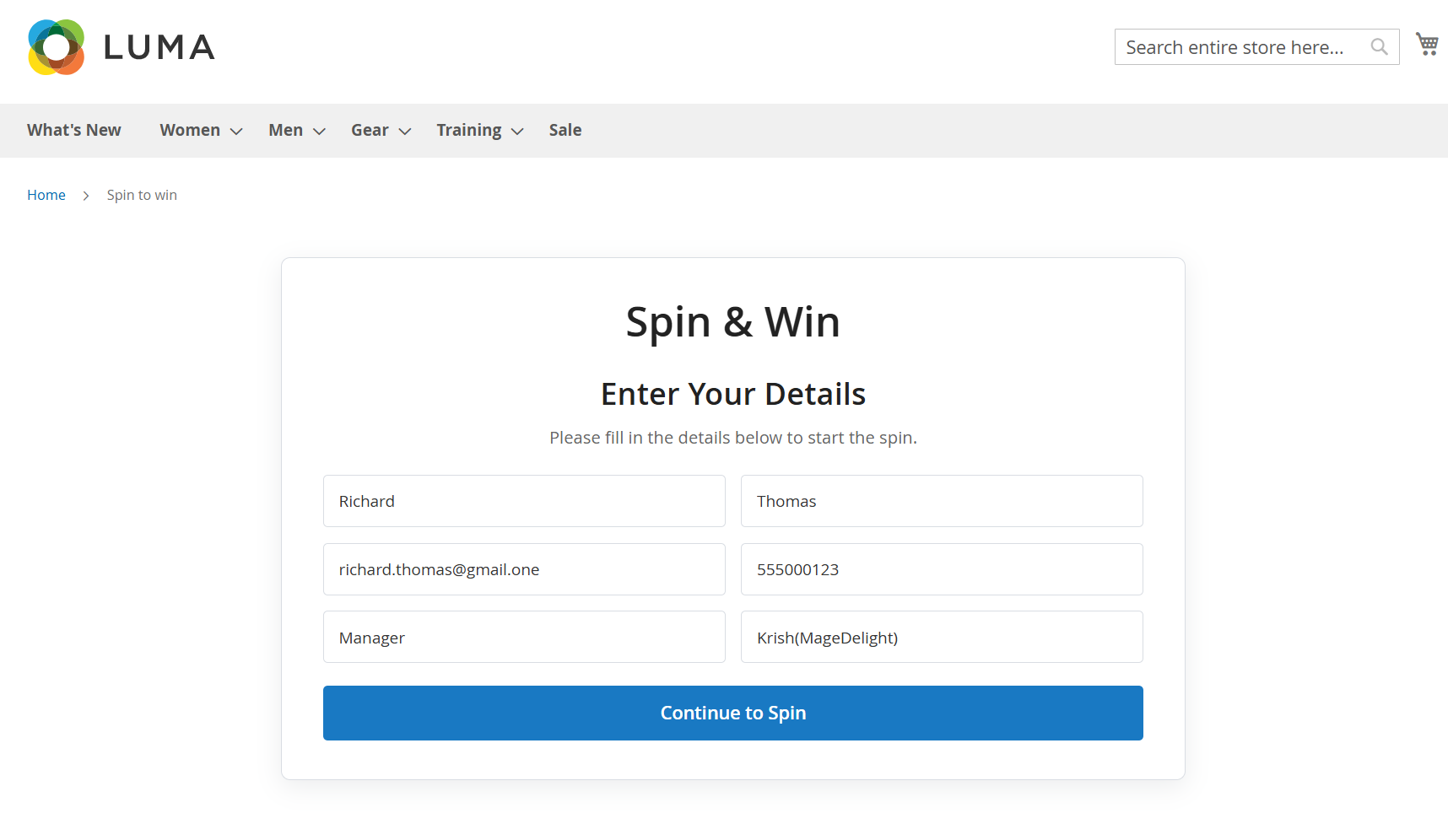
Spin Wheel Entry FormThe Spin Wheel entry form is displayed on the storefront to collect user details before allowing participation. It ensures that customer information is captured for lead generation and reward distribution. Once the required details are submitted, the user can proceed to spin the wheel and receive an offer. - Displays a user-friendly form to collect participant details before spinning
- Captures essential information such as first name, last name, email, phone, company, and designation
- Ensures data collection for marketing and lead management purposes
- “Continue to Spin” button initiates the spin wheel process after form submission
- Prevents access to the spin wheel until required details are provided
- Designed with a clean and responsive layout for better user experience
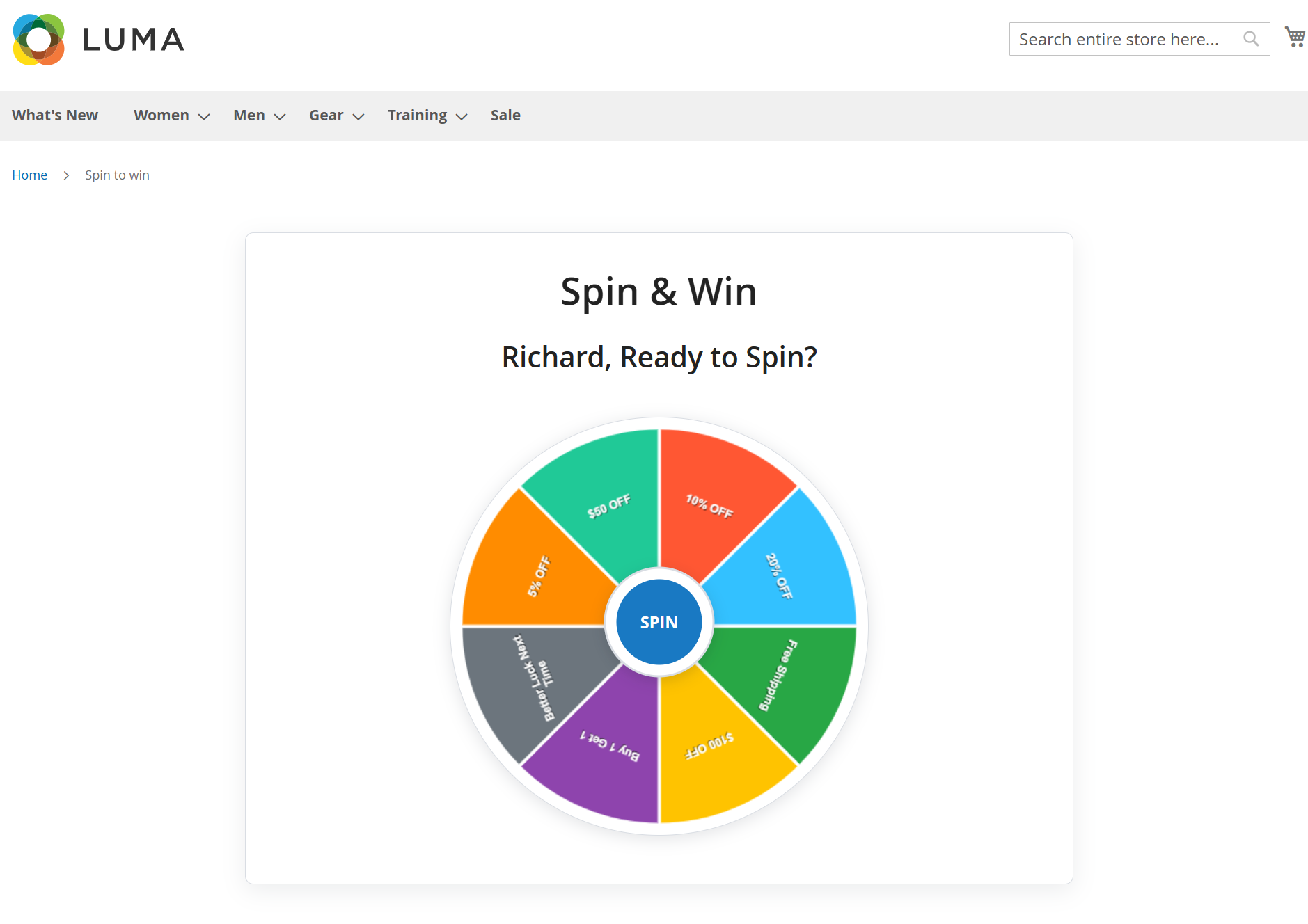
Spin Wheel InteractionAfter submitting the required details, users are redirected to the interactive spin wheel interface. This screen allows users to actively participate by spinning the wheel and instantly receiving a reward based on predefined configurations. The experience is designed to be engaging, visually appealing, and easy to use. - Displays a personalized message (e.g., user name) to enhance engagement
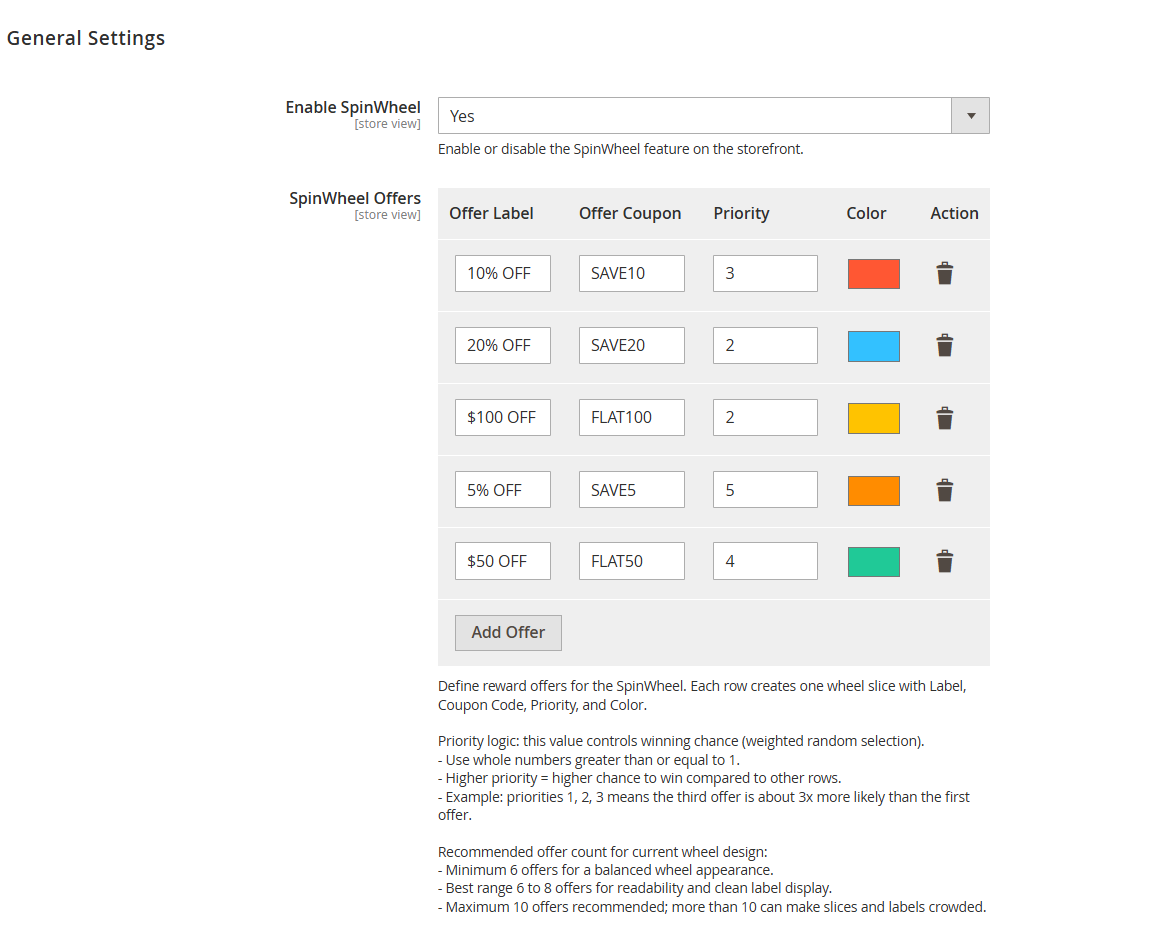
- Shows a dynamic spin wheel with multiple reward segments configured in the admin
- Each segment represents a specific offer or coupon
- Central “Spin” button initiates the spinning action
- Uses weighted logic (based on admin configuration) to determine the winning segment
- Provides a visually interactive and gamified experience for users
- Ensures smooth transition from form submission to reward interaction
- Designed to encourage participation and improve user engagement
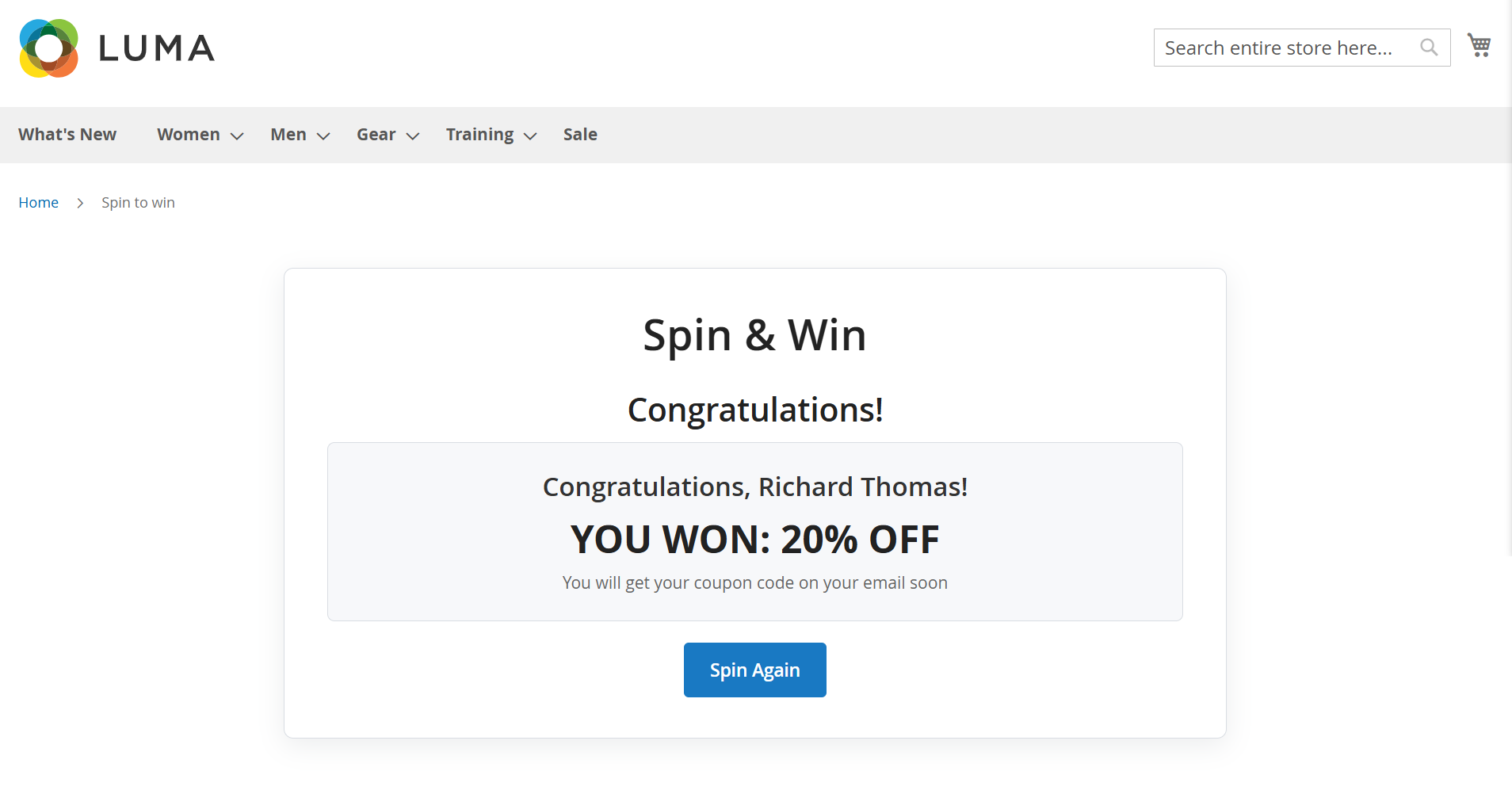
Spin Wheel Result DisplayAfter the user clicks the “Spin” button, the wheel rotates and lands on a reward based on the configured probability. Once the spin is completed, a result screen is displayed showing the winning offer along with a confirmation message. This provides immediate feedback and enhances user satisfaction. - Displays a congratulatory message after the spin is completed
- Shows the user’s name for a personalized experience
- Highlights the winning reward or discount clearly (e.g., 20% OFF)
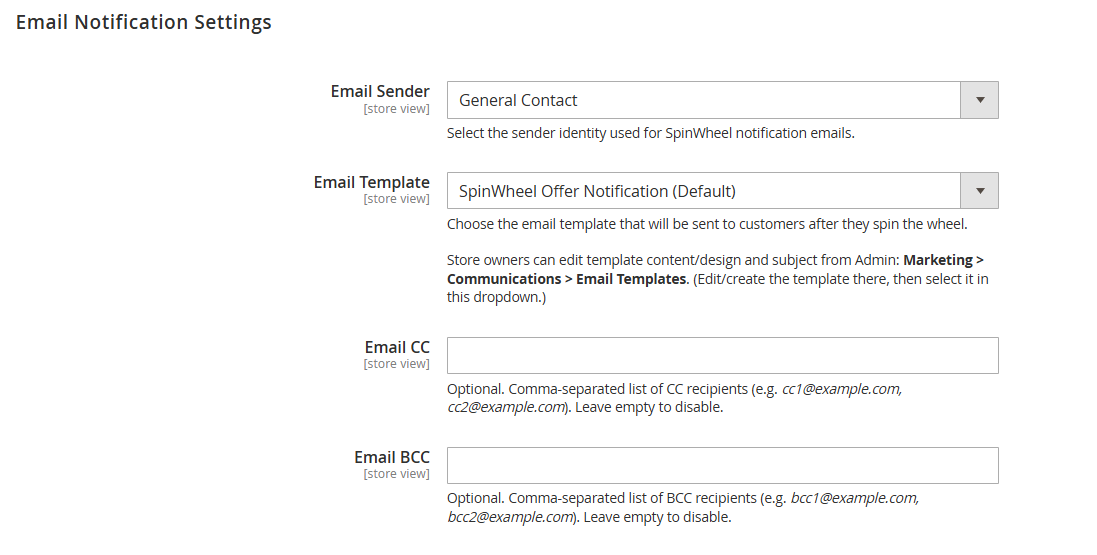
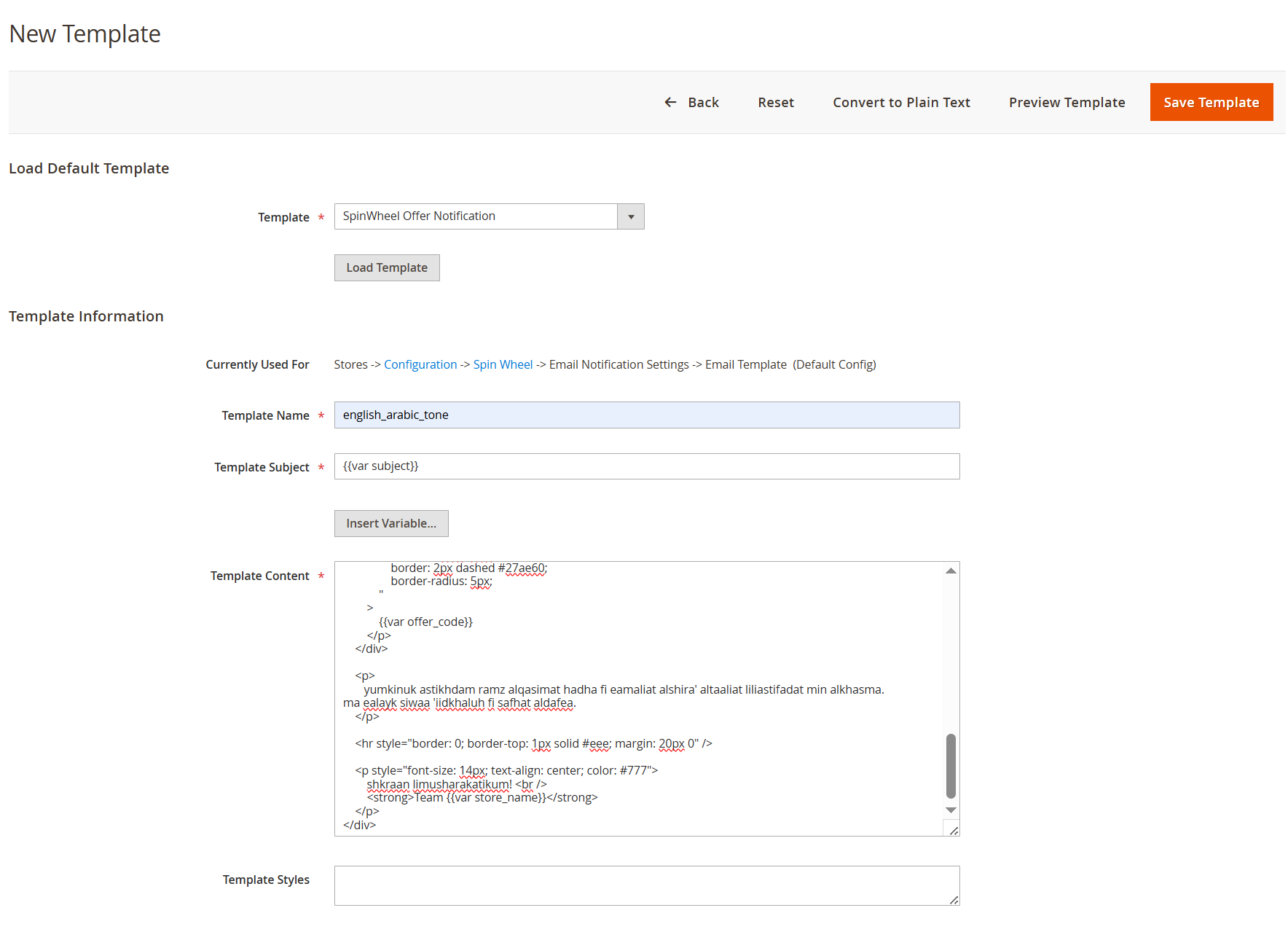
- Confirms that the coupon code will be sent via email
- “Spin Again” button allows users to participate again (based on configuration)
- Provides instant feedback to maintain engagement and excitement
- Ensures a smooth transition from spinning action to result display
|