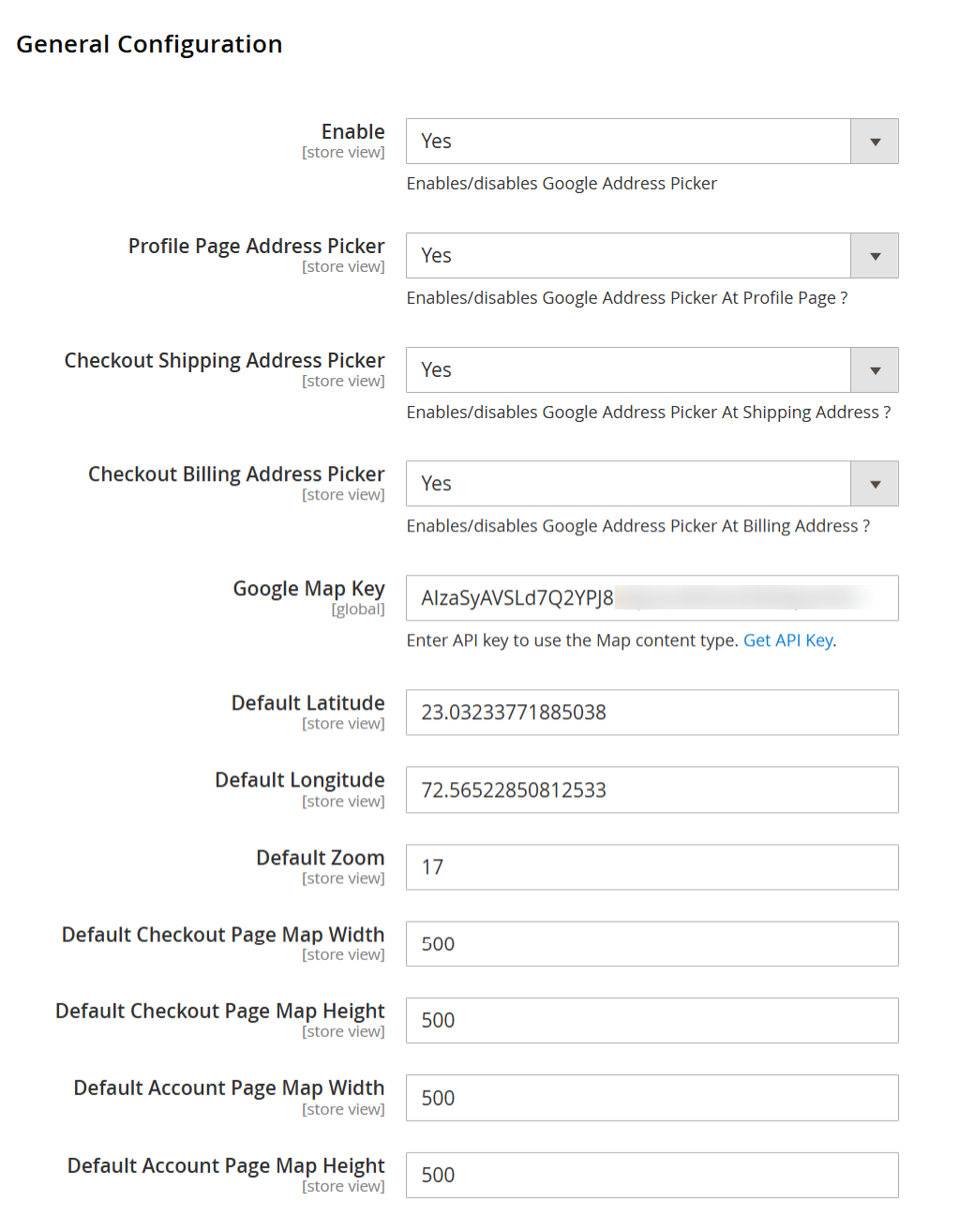
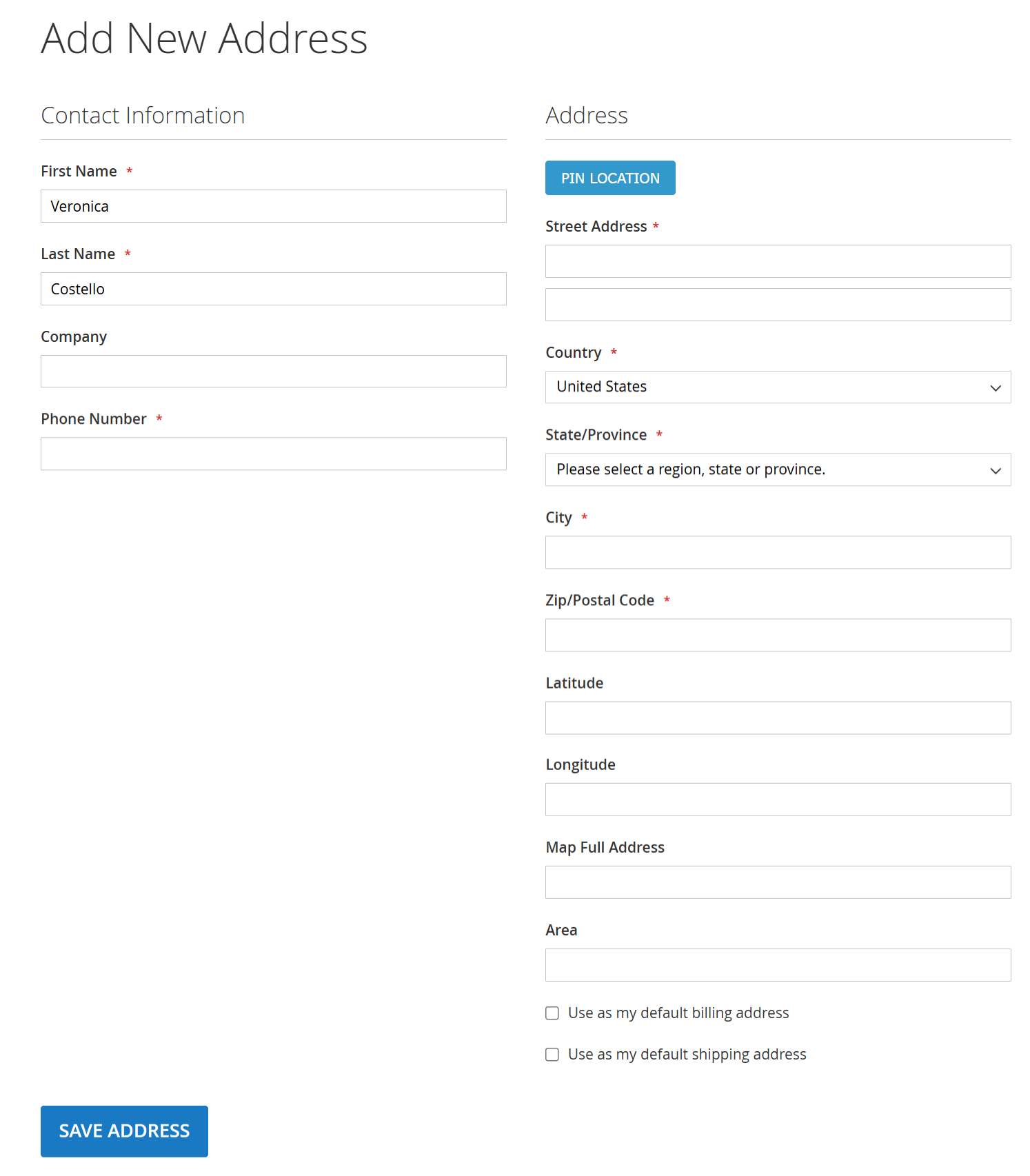
| Enable | Enables or disables the Google Address Picker functionality for the storefront. Set Yes to
activate the Google Maps address selection feature across enabled pages. |
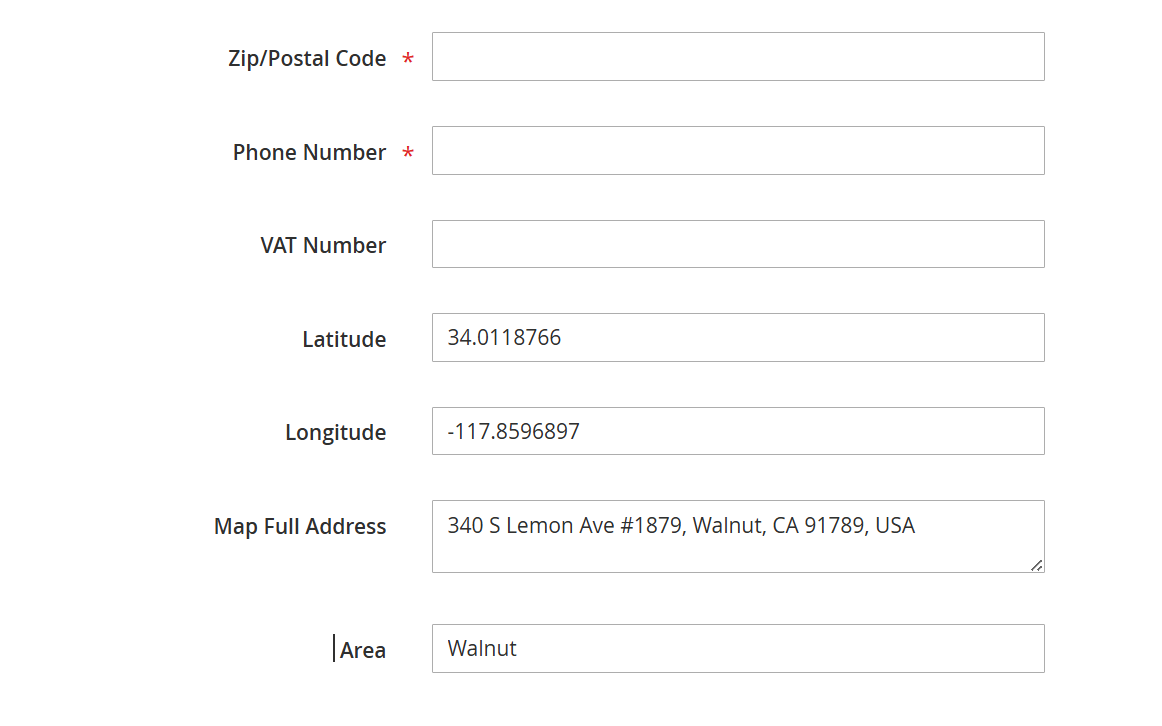
| Profile Page Address Picker | Enables or disables the Google Address Picker on the customer account/profile address
page, allowing customers to select or update their saved address using Google Maps. |
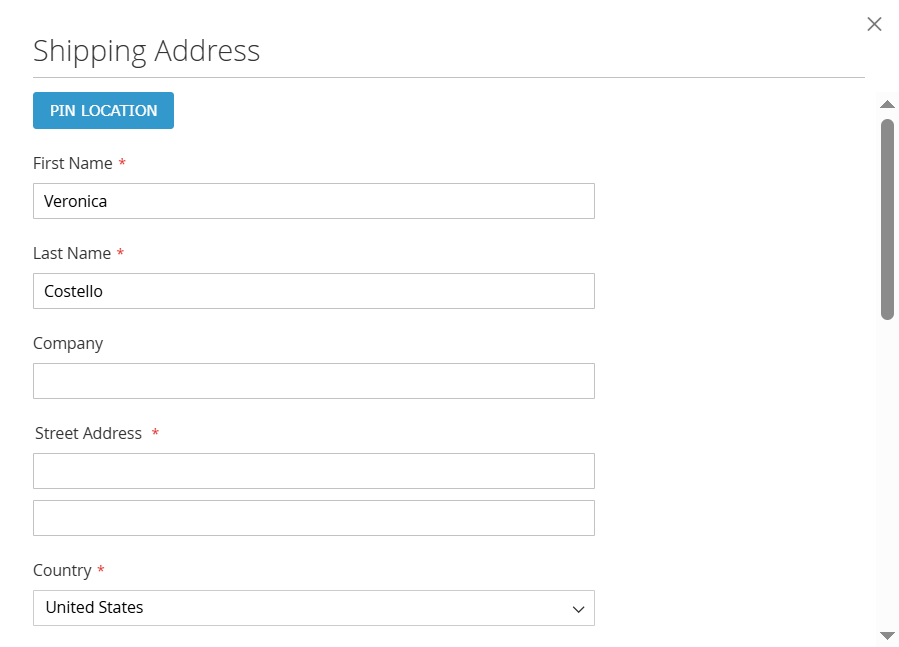
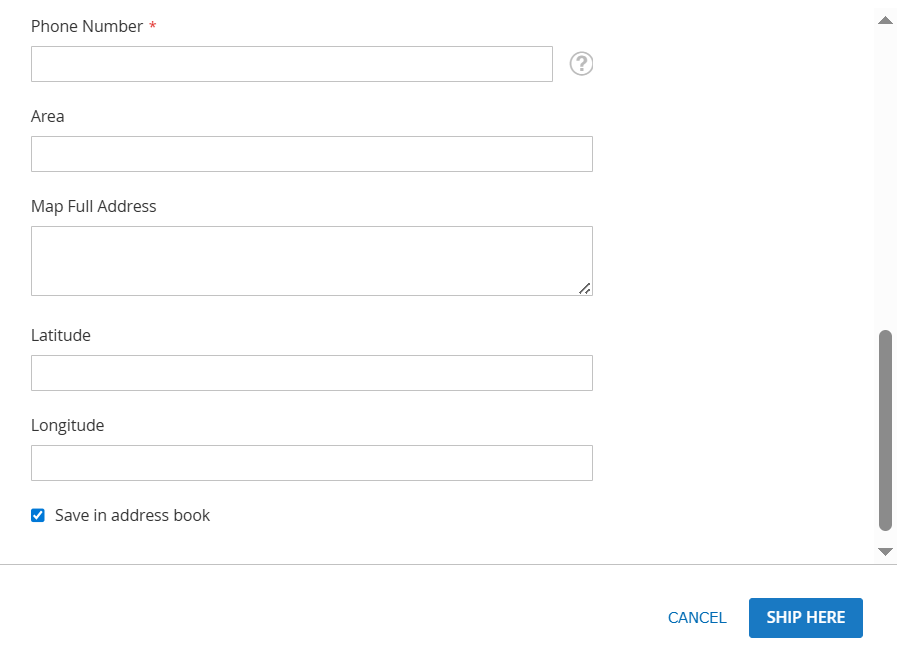
| Checkout Shipping Address Picker | Enables or disables the Google Address Picker on the Shipping Address section of the checkout
page. When enabled, customers can select their shipping address directly from the map. |
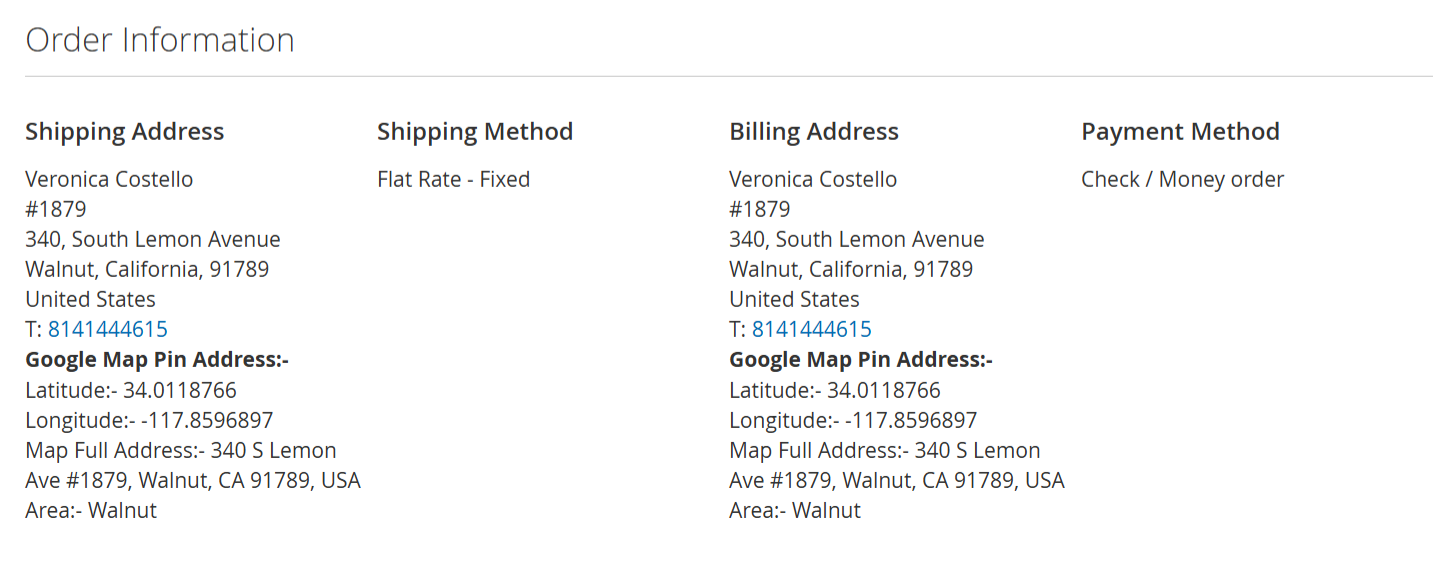
| Checkout Billing Address Picker | Enables or disables the Google Address Picker on the Billing Address section of the checkout
page, allowing map-based billing address selection. |
| Google Map Key | Enter your Google Maps API Key here. This key is required for loading Google Maps and address
autocomplete functionality. Ensure the API key has Maps and Places APIs enabled. |
| Default Latitude | Sets the default latitude used to center the Google Map when it first loads. This is useful when
the customer location is not yet detected. |
| Default Longitude | Sets the default longitude used to center the Google Map when it first loads, along with the
default latitude. |
| Default Zoom | Defines the default zoom level of the Google Map. Higher values show a closer, more detailed
view; lower values show a wider area. |
| Default Checkout Page Map Width | Specifies the width (in pixels) of the Google Map displayed on the checkout page. Adjust
this value to fit your checkout layout. |
| Default Checkout Page Map Height | Specifies the height (in pixels) of the Google Map displayed on the checkout page. |
| Default Account Page Map Width | Specifies the width (in pixels) of the Google Map displayed on the customer
account/profile address page. |
| Default Account Page Map Height | Specifies the height (in pixels) of the Google Map displayed on the customer
account/profile address page. |