Versions Compared

Key

  • This line was added.
  • This line was removed.
  • Formatting was changed.

...

Section

Installation


Include Page
Base Module Notes
Base Module Notes
Include Page
Installation StepsInstallation StepsInstallation Steps
Installation Steps


Section

Installation with Composer


Composer repository using this command:

composer config repositories.magedelight-repo composer https://packages.magedelight.com/


Replace repo public key and private key with your public and private key

composer config http-basic.gitlab.magedelight.com $PUBLIC_KEY $PRIVATE_KEY


composer require mage_delight/storelocator_module:*

composer require mage_delight/storelocatorgraphql:*

Note

To obtain your public and private keys, please navigate to the "My Account" section. In the "Download Extension Packages" tab, you will find the keys available for your access.


Section

Backend Configuration (Admin side)


Section


Panel

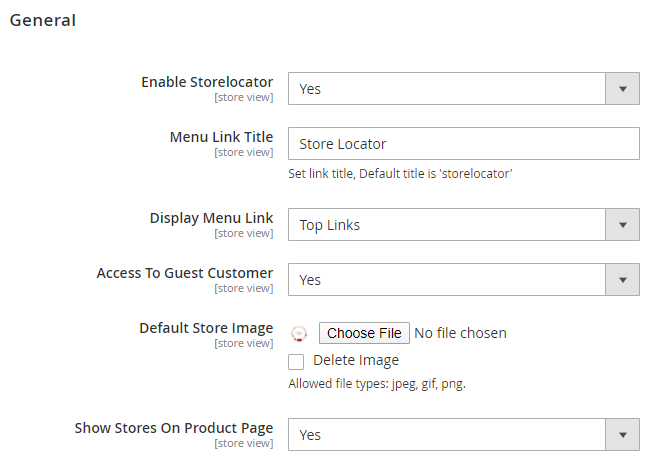
  • Enable Store locator: Enable/Disable the store Locator extension
  • Menu Link Title: Store locator page link title
  • Display Menu Link: To show store locator link on Top Link or Top Navigation menu
  • Access to Guest Customer: Set access limit to allows store locator to guest customer or not
  • Default Store Image: You can upload default image to be shown, if particular store don’t have uploaded store image
  • Show Stores on Product Page: Select "Yes" to to display list of stores on product details page.


Section


Panel

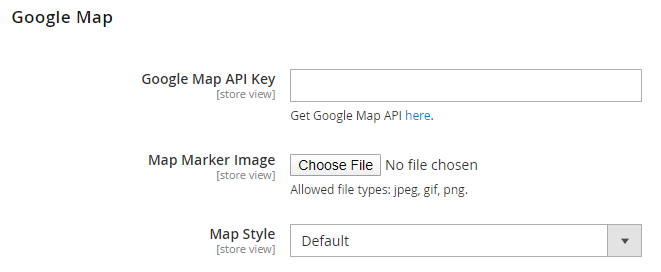
  • Google Map API Key: Defined Google map API key.

  • Map Marker Image: To upload Google map marker image if needs to show specific image. Else default Google map marker image would be used.

  • Map Style: Select Google Map Style/Theme to display map on store front.


Section


Panel

  • Default Radius for Search: To define default radius of distance to be cover while searching store on Google Map.

  • Maximum Radius for Search: Set maximum radius limit user can search store from his current location

  • Distance Unit: Distance unit while search on Google map. Options can be Kilometers or Miles.


Section


Panel

  • Page Title: Define Store locator page title

  • Page URL: Define Store locator page URL

  • Page URL suffix: Store locator page URL suffix
  • Meta Description: To define Meta description for store locator page
  • Meta data: To define Meta data for store locator page


Section


Panel


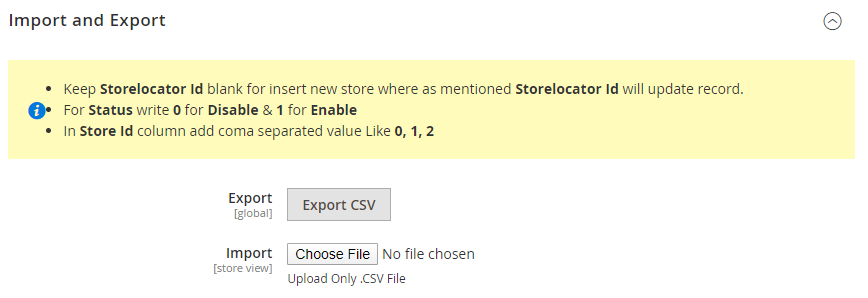
  • Export: Click on "Export CSV" button to export existing stores data to CSV file. You can use same file to import store.
  • Import: Upload CSV file to import stores from CSV file. You can get sample CSV file by exporting CSV file.

...

Section

Frontend Functionality


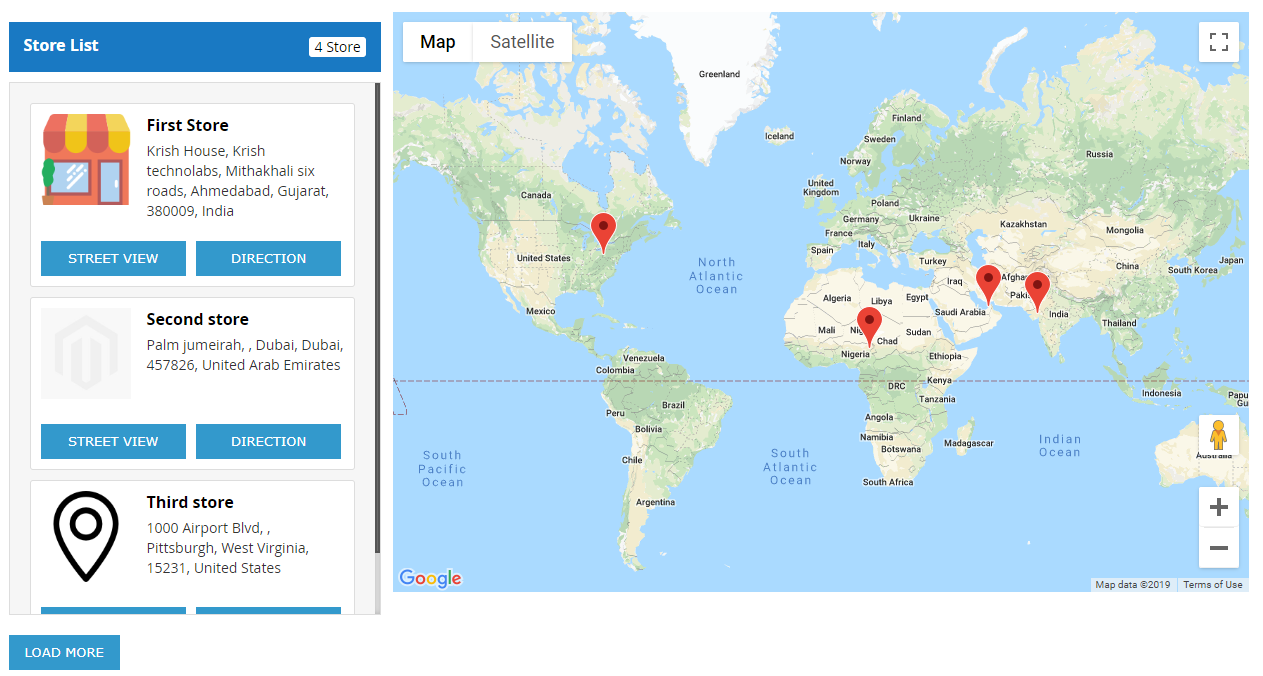
Once you configured the extension and create stores, the store will be listed on store locator page. The store locator link will be displayed on top links or with top menu, based on how it configured. Store locator page will be look like,

Panel

Search Store

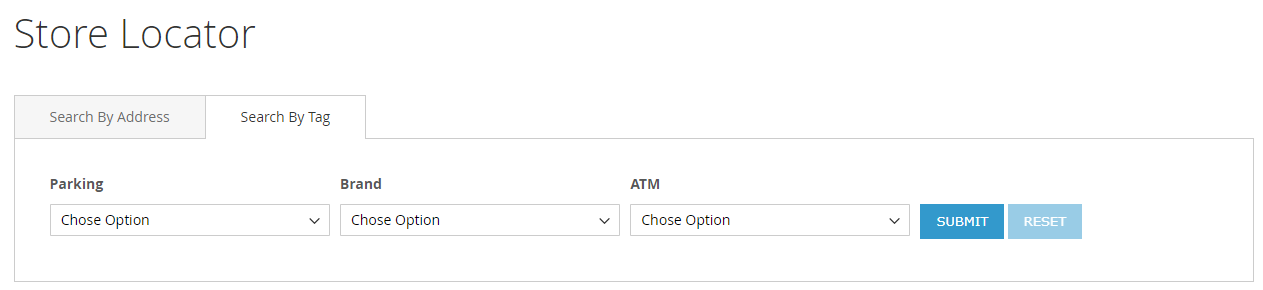
You can search nearest store with store search feature, user can use radius from to find nearest store from his current location. As shown with below location. You can search store using tags, too.

Panel

It also helps to find direction from your current location or from particular location to particular store. Refer below image,

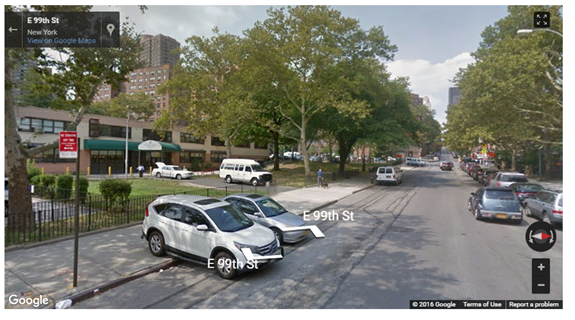
That also supports street view of store, as show with below image

Street view

Panel

Store page

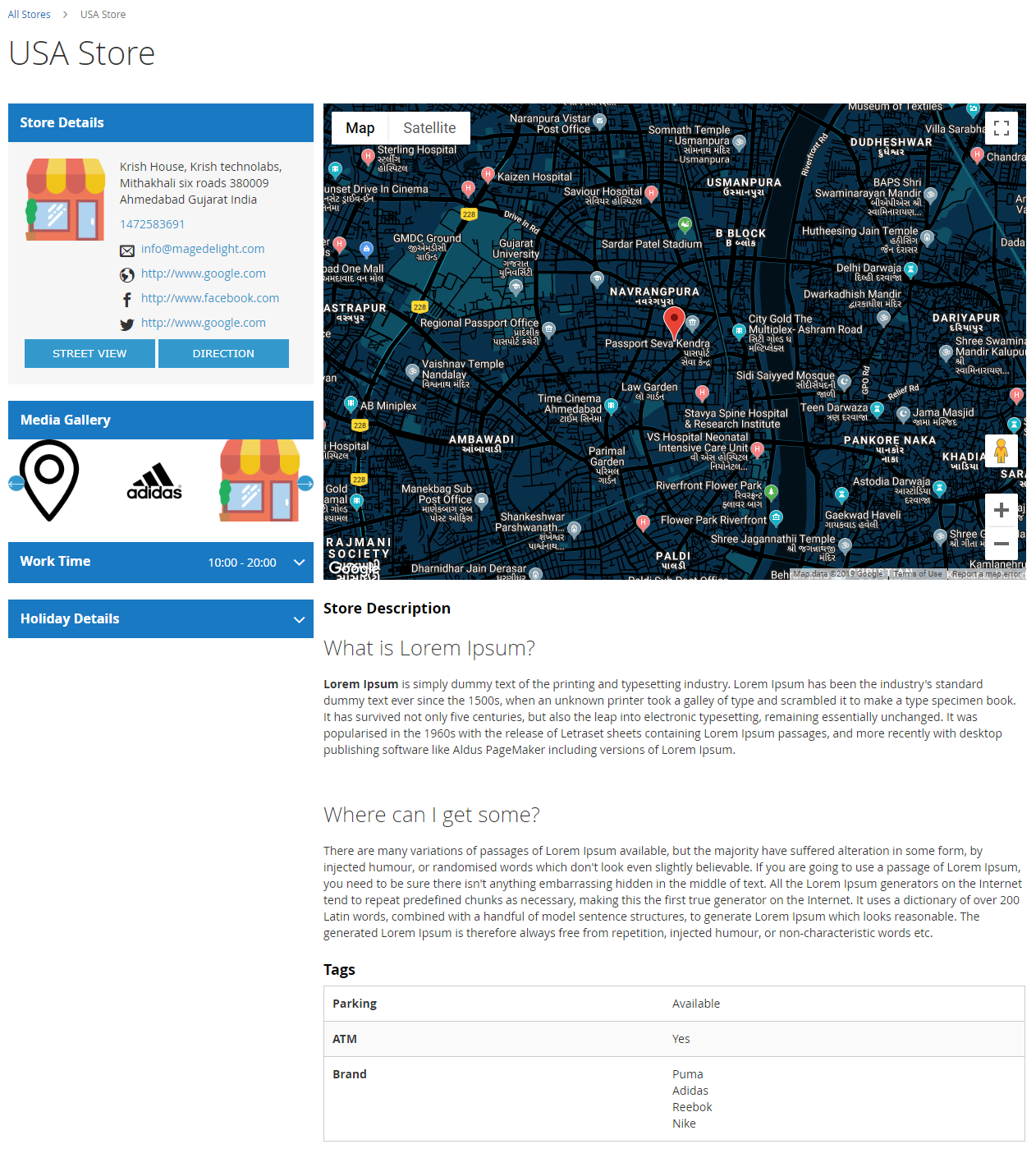
Store page will contain details of particular store with store description, address. You can also have the direction finder supported by map. It also includes working days, time details and upcoming holiday list

Panel


Demo

Click here to visit product detail page.
Section

Developer Account


The three API's you have to enable in Google API Key for the correct work of the extension,

  1. Maps JavaScript API
  2. Places API
  3. Direction API

To configure these settings, please follow the link, https://console.cloud.google.com/apis/library/places-backend.googleapis.com


Section

API


Note

Please use SWAGGER to get detailed information of parameters.

https://storelocator.m2.demo.magedelight.com/swagger

rest/V1/magedelight-storelocator/

Get store locator view: storelocator/search

Panel


Sample Data

Expand

{
searchCriteria[filter_groups][0][filters][0][field]:storename
searchCriteria[filter_groups][0][filters][0][value]:"Bob Store"
}


Get store locator view by id: storelocator/:storelocatorId

Panel

Sample Data

Expand

{
storelocatorId:1
}


Save store locator: storelocator

Panel

Sample Data

Expand

{
"storelocator":{
"storelocator_id":"10",
"storename":"Roni's Store",
"url_key":"roni-store",
"storeemail":"roni@gmail.com",
"address":"Via Goffredo Mameli 34",
"city":"Roma",
"region":"Roma",
"region_id":767,
"country_id":"IT",
"zipcode":16345,
"longitude":12.467860,
"latitude":41.887540,
"telephone":3387819740
}
}


Delete store locator: storelocator/:storelocatorId

Panel

Sample Data

Expand

{
storelocatorId:2
}


Section

Demo


Click here to visit frontend.

Click here to visit backend admin panel.

...