...
| Section | ||||||||
|---|---|---|---|---|---|---|---|---|
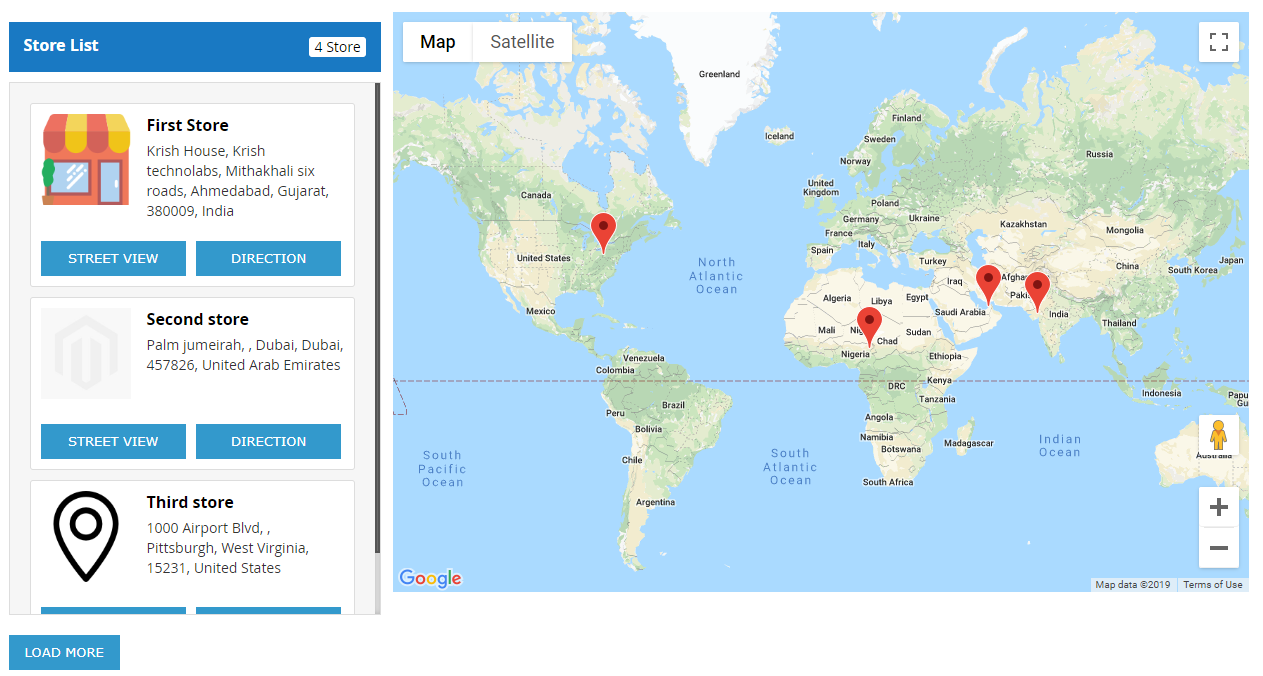
Frontend FunctionalityOnce you configured the extension and create stores, the store will be listed on store locator page. The store locator link will be displayed on top links or with top menu, based on how it configured. Store locator page will be look like,
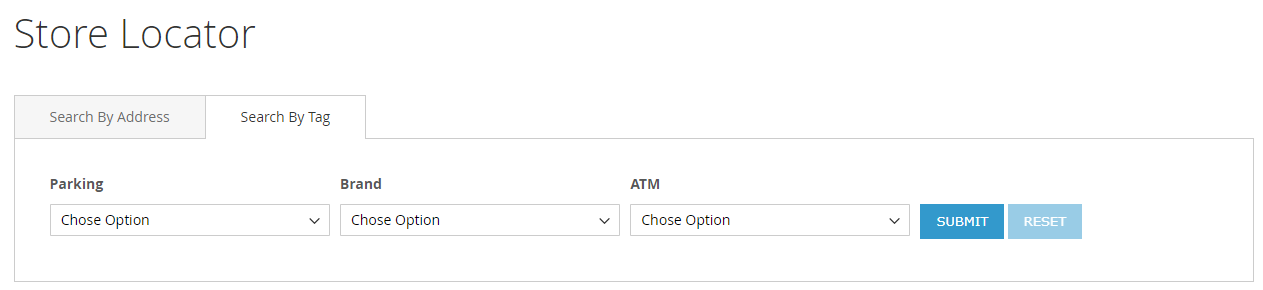
Search Store You can search nearest store with store search feature, user can use radius from to find nearest store from his current location. As shown with below location. You can search store using tags, too.
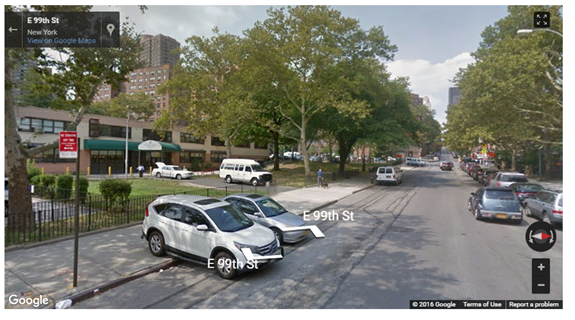
It also helps to find direction from your current location or from particular location to particular store. Refer below image, That also supports street view of store, as show with below image Street view
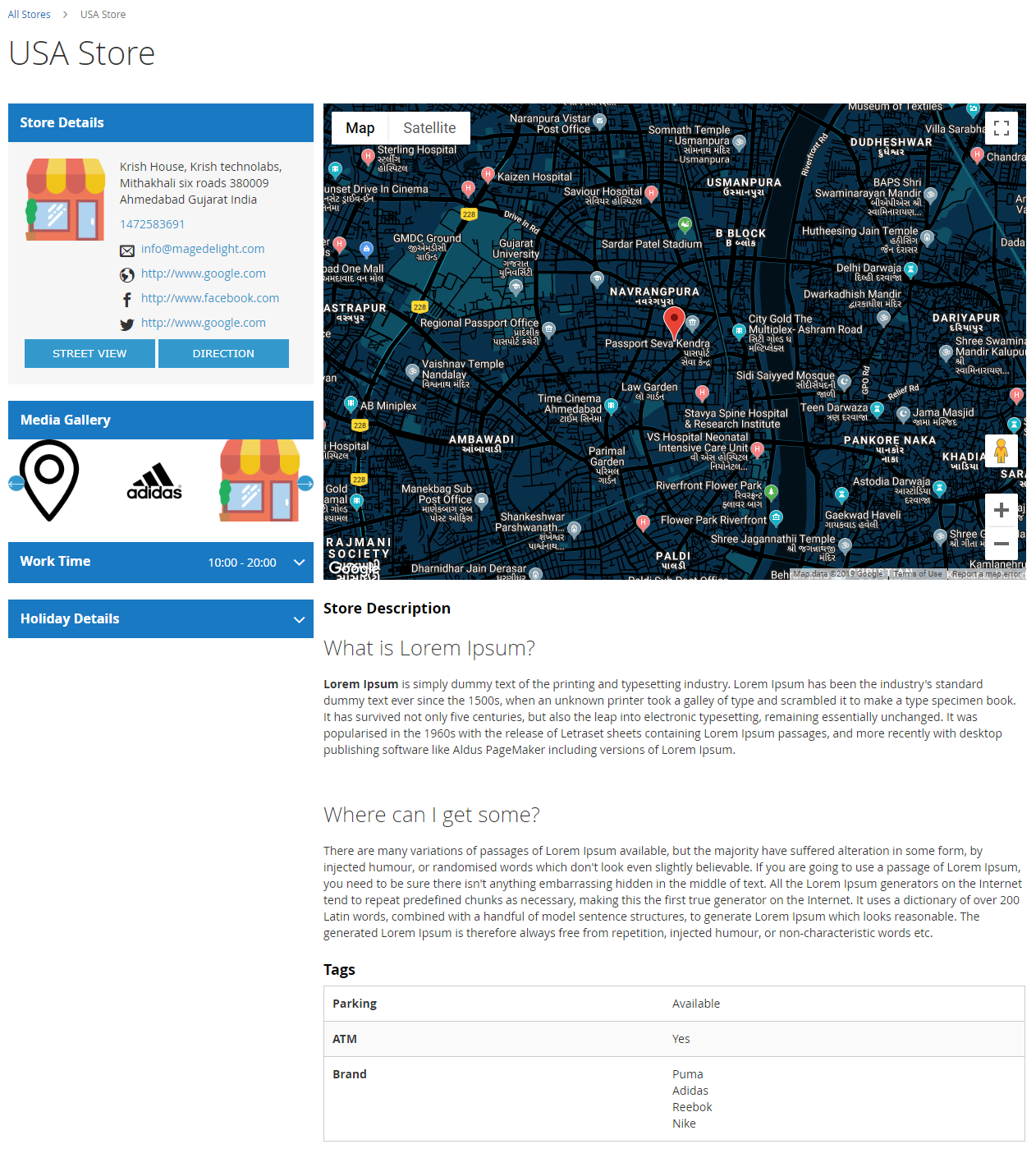
Store page Store page will contain details of particular store with store description, address. You can also have the direction finder supported by map. It also includes working days, time details and upcoming holiday list
|

| Section |
|---|
Developer AccountThe three API's you have to enable in Google API Key for the correct work of the extension,
To configure these settings, please follow the link, https://console.cloud.google.com/apis/library/places-backend.googleapis.com |
| Section |
|---|
DemoClick here to visit frontend. Click here to visit backend admin panel. |
...